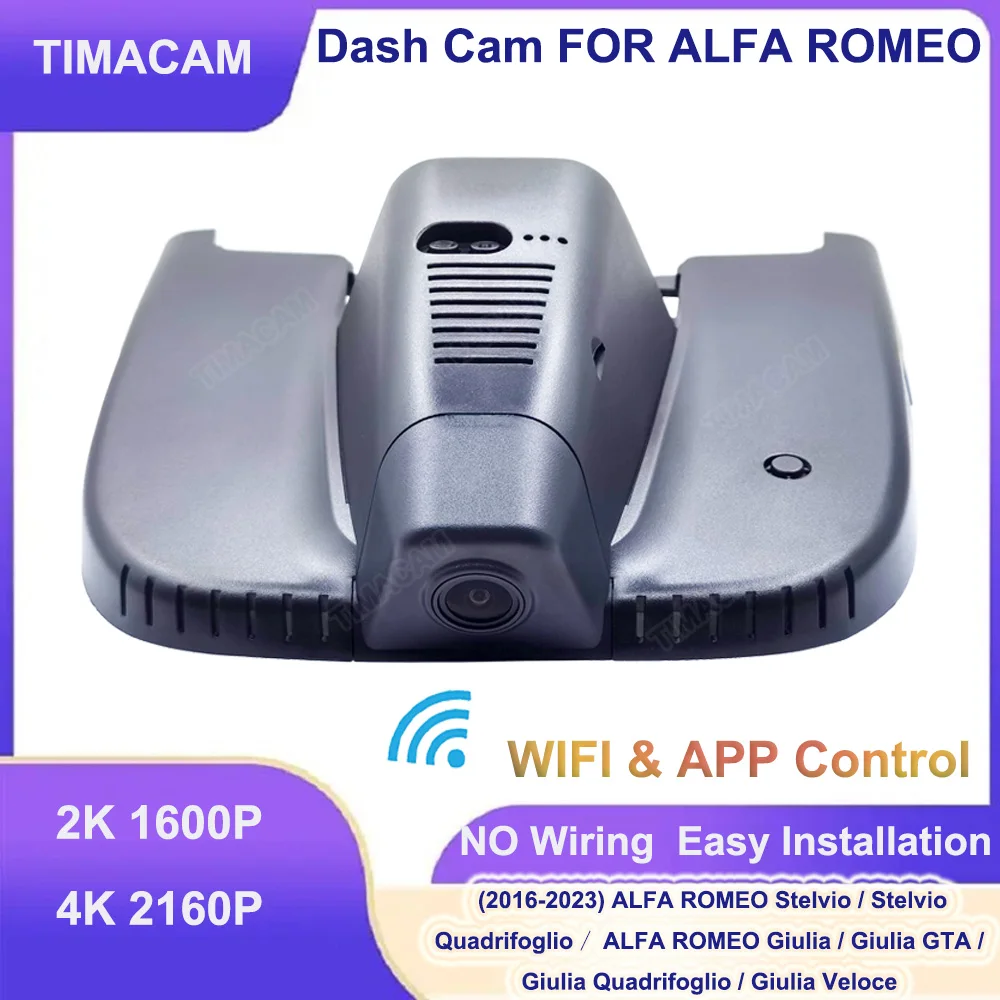
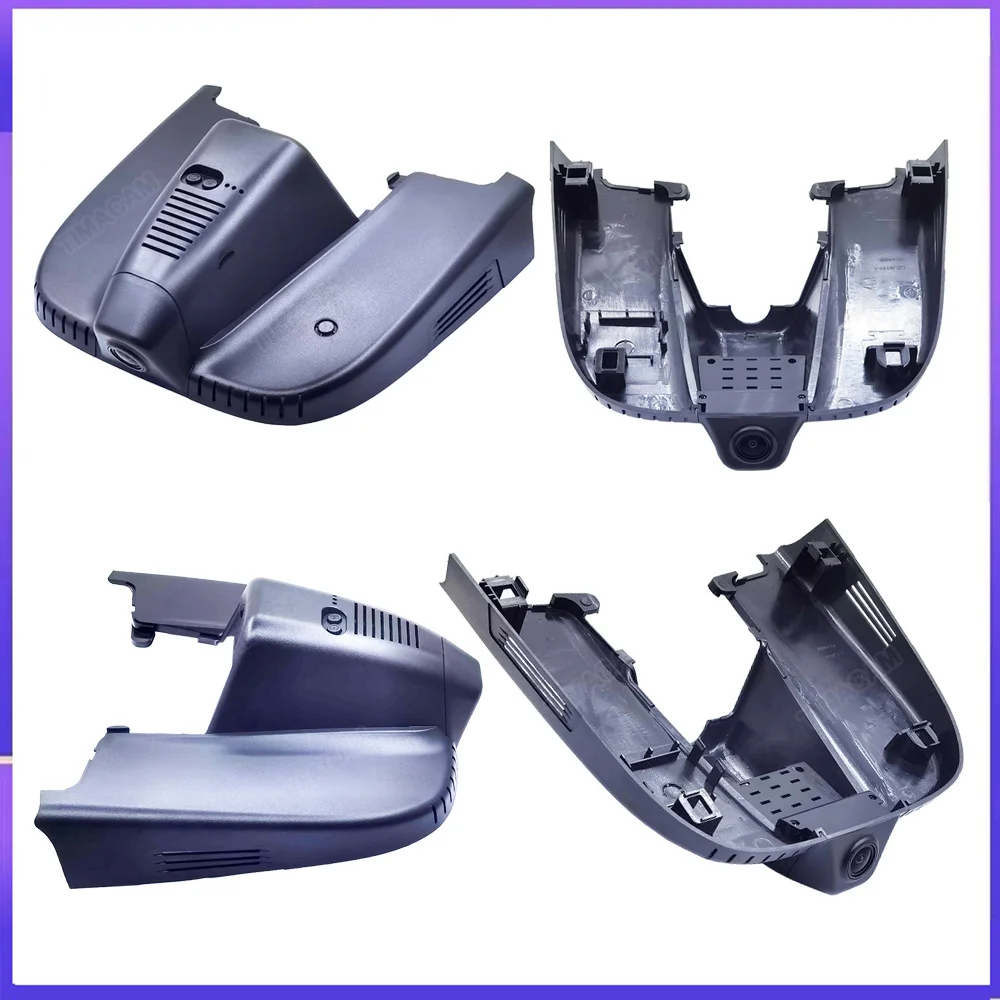
2K 4K Wifi Dash Cam Car DVR Camera 2160P Video Recorder for ALFA ROMEO
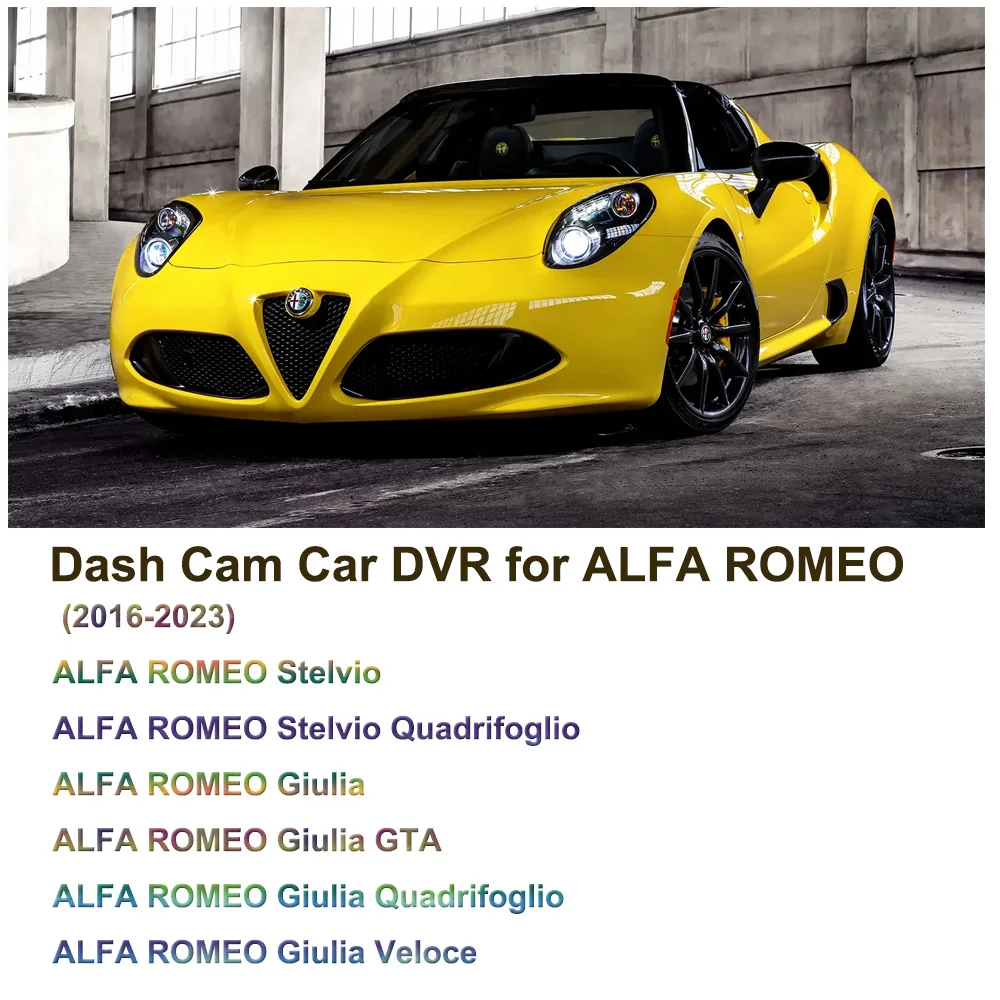
ALFA ROMEO Stelvio 2016 2017 2018 2019 2020 2021 2022 2023
ALFA ROMEO Stelvio Quadrifoglio 2016 2017 2018 2019 2020 2021 2022 2023
ALFA ROMEO Giulia 2016 2017 2018 2019 2020 2021 2022 2023
ALFA ROMEO Giulia GTA 2016 2017 2018 2019 2020 2021 2022 2023
ALFA ROMEO Giulia Quadrifoglio 2016 2017 2018 2019 2020 2021 2022 2023
ALFA ROMEO Giulia Veloce 2016 2017 2018 2019 2020 2021 2022 2023
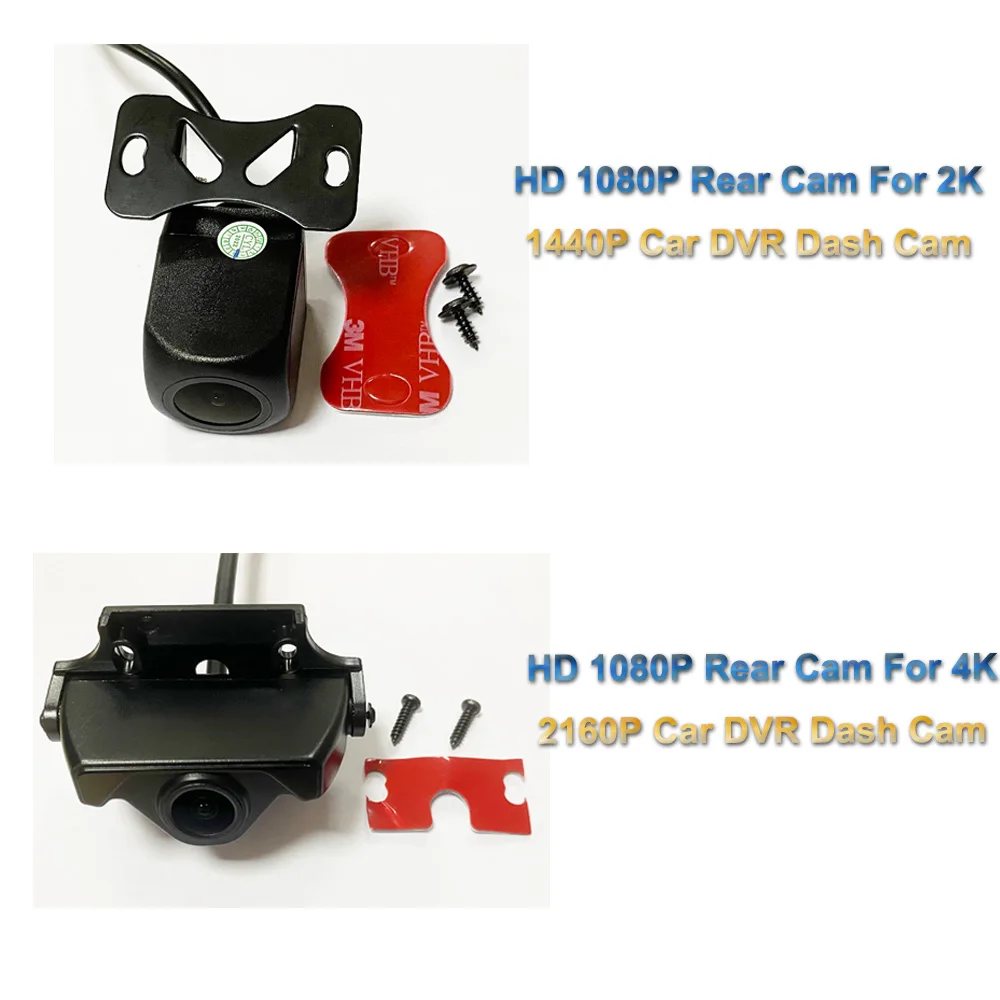
HD 1080P Rear Camera for 2K 4K Dash Cam Car DVR
 Please Contact Us
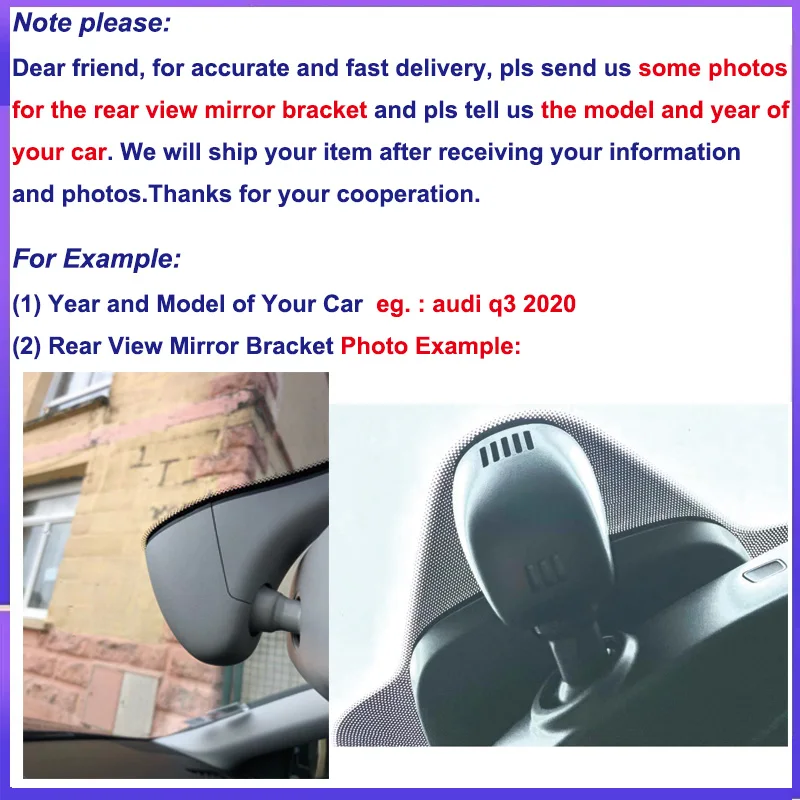
Dear friend, for accurate and fast delivery, please send us some photos for the rear view mirror bracket and pls tell us the model and year of your car. We will ship your item after receiving your information and photos.Thanks for your cooperation.
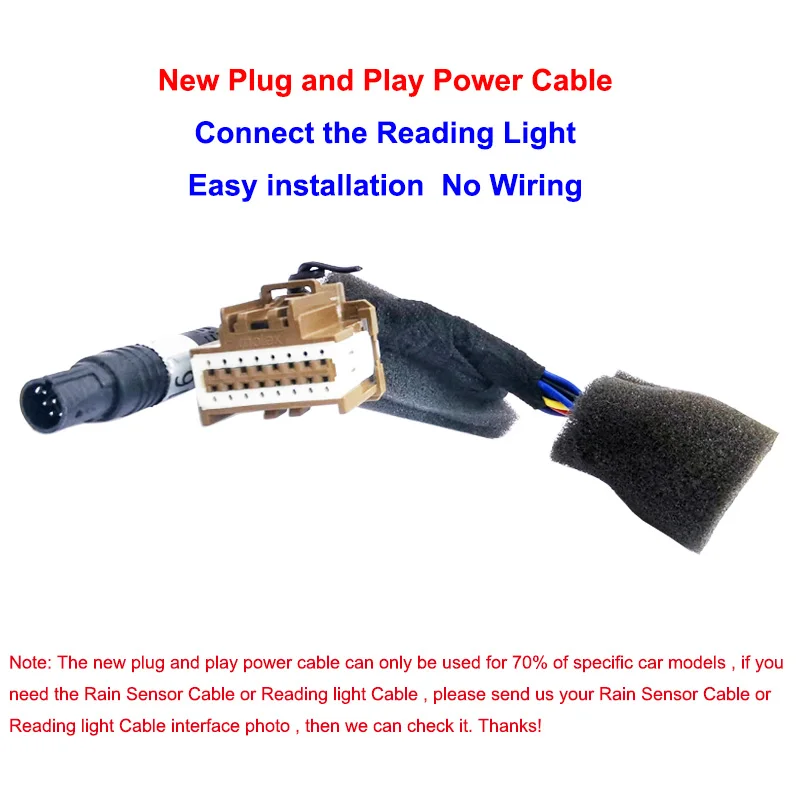
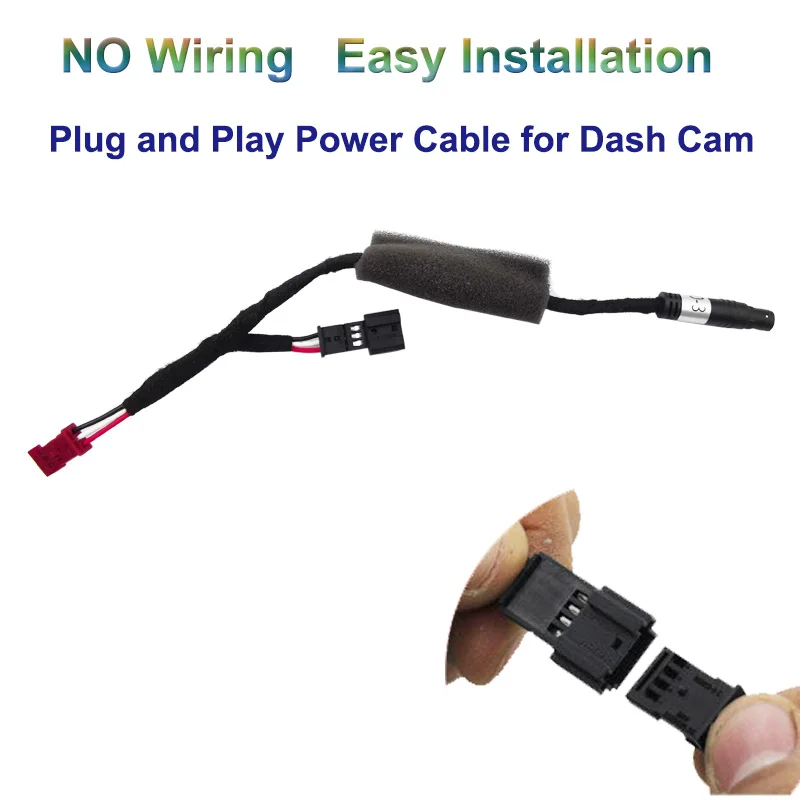
Plug and Play Power Cable for ALFA ROMEO
Easy Installation No Wiring
Note Please:
1. The New Plug and Play Cable can only be used for 60% of specific car models , please contact us to confirm it.
2. (1)Wiring-free power (Plug and Play Cable): Only Support several models ; (2)Fuse box power: Support all models ; (3)OBD power: Support all models.
Real Video Display In the Day-time and Night-time
The image is compressed and actually it's more clearer.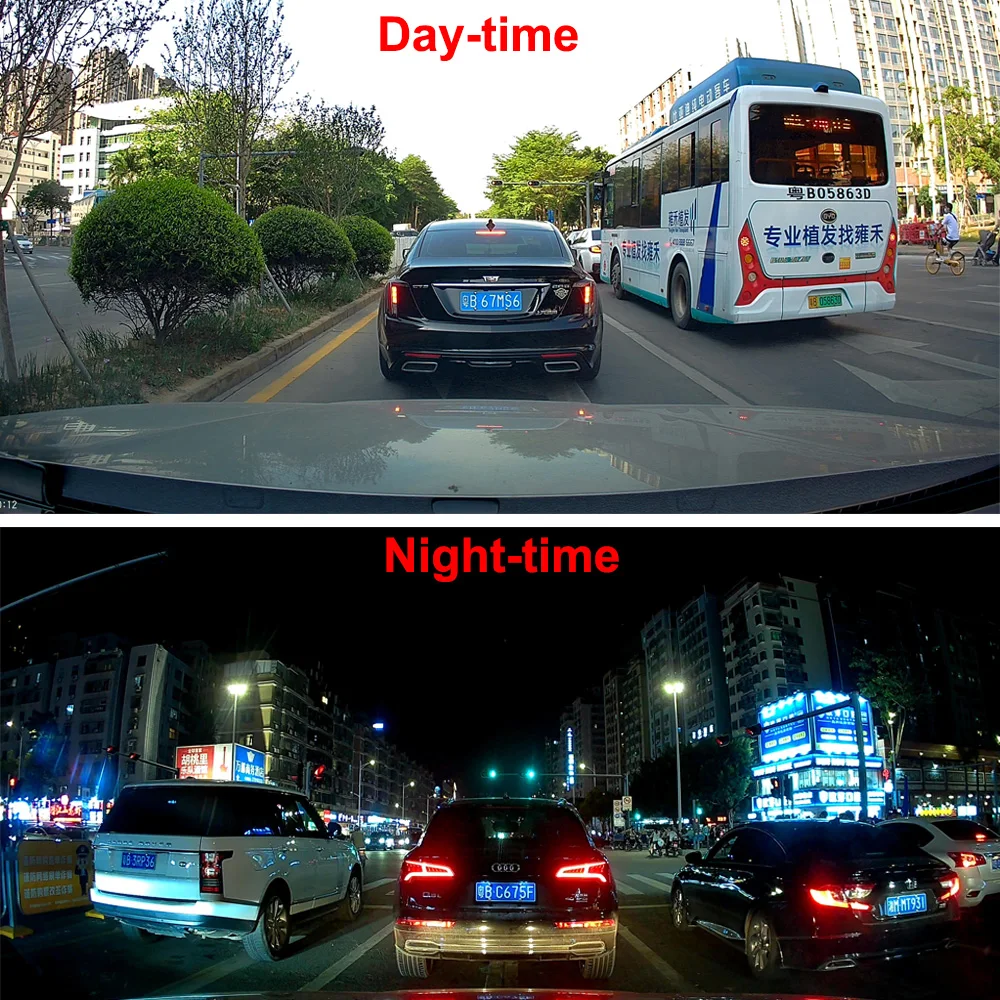
Novatek Monitoring Chip, Ultimate Experience
Novatek chip is equipped with realtek WIFI solution, H.265 video coding technology
makes the recorder image clear and smooth, image details and color rich and
supports 256 G large memory card operation.
128G / 256GB · Smart Storage
Big, Regarding the overall improvement of storage,
Support 8-256 GB Keep driving records longer. Gravity Sensing . Lock Video
When a violent collision occurs, the emergency backup recording function is
automatically recognized and activated, and the important evidence locking
protection is stored in the memory card to prevent loss of coverage. Cycle Recording Without Leaking Seconds
Video segmentation recording, when the video is full, the recorder will automatically
delete the previously recorded video clips and record them in a loop, so that you
don't have to worry about frequent card changes. Wifi and APP Control
Please download TimaCam or RoadCam APP from Apple Store or Google Play Store.
The WIFI Name is: CARDV**** or Y06-****
The password is : "12345678" or "88888888"
 Power Cable Connection
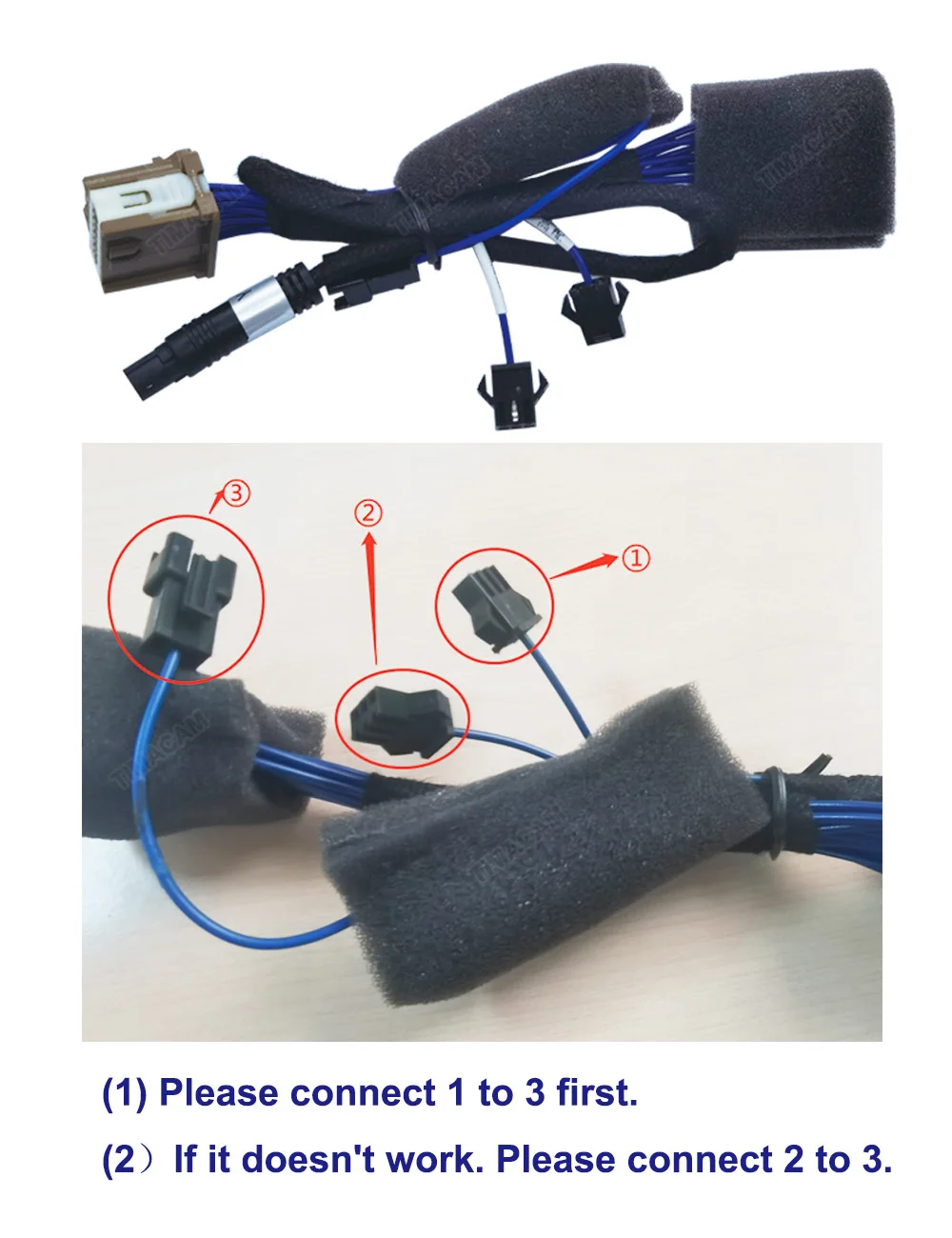
New Plug and Play Power Cable . No Wiring . Easy Installation
Connect to the Rain Sensor or Reading Light or Sunroof of the original car.
The New Plug and Play Dash Cam can be plug to the rain sensor or reading light or
sunroof of the original car to take electricity. It is easy to install. Inserted without damage,
no wiring is required, and it maintains the original car style after installation.

What's in the box?
1× Dash Cam
1× Power Cable
1× Removal Pry Tool
1× User Manual
Q&A
Problem 1:
Apple iphone connection failed
Solution:
1. First, turn off the Cellular Data of the phone settings, and then connect to WiFi.
2. If the phone is connected to the car's CarPlay, you need to turn off the Bluetooth, and then connect the camera WiFi.
3. Check whether the album and network permissions of the App have been opened. (*Album permission is only used to save videos and pictures recorded by the camera into the phone album).
Problem 2:
Android phone connection failure
Solution:
1. After connecting to the camera WiFi, your phone may prompt that you can't access the Internet, please click "Keep Wlan Connection".
2. Close Mobile Data first and then connect to WiFi.
Problem 3:
App cannot save settings (default settings are restored after reboot)
Solution:
After setting the App, please press and hold the power button of the camera to turn off the camera, then press the power button briefly to turn on the camera.
Problem 4:
APP video file is empty, no video is loaded.
Solution:
1. Please open the App settings to format the memory card and then record the video.
2. If the App album still has no video, please insert the memory card into a computer, check whether the memory card is damaged, or not compatible with the camera, if so you need to replace the memory card.
3. It is recommended to use Class10 specification SanDisk/KIOXIA/Samsung memory cards of 32GB or 64GB capacity. (Maximum size supported is 128GB or 256GB)
Problem 5:
Why doesn't my computer play the videos? Or why is the playback video not smooth?
Solution:
1. We recommend the use of PotPlayer and KMplayer players.
2. If the computer configuration is too low, it may cause the playback to not be smooth, especially for H.265 format and 4K resolution videos.
Problem 6:
Why can't you connect 2 phones at the same time?
Solution:
WiFi only supports connecting one phone at the same time; if another phone needs to be connected, you must first disconnect the WiFi of the first phone.
Problem 7:
Why is the timestamp of the video wrong, or there is no recorded video during some time periods, or there is video when the phone is connected, but no video when the phone is not connected?
Solution:
Please check if the timestamp error is caused by a complete power failure of the camera. After car repair, maintenance or battery replacement, you need to reconnect the camera's WiFi with your phone to synchronize the camera's time with your phone's time. Please regularly check that the camera is working properly.
Problem 8:
What should I do if I forget the WiFi name or password?
Solution:
Press and hold the camera key for 20 seconds, or use a paperclip to press the reset button.
Problem 9:
Do I need to turn on the camera every time I drive?
Solution:
No need, the camera is automatically turned on and off. The camera will automatically turn on when the car is on and turn off when the car is off.
Problem 10:
What should I do if I can't find the WiFi?
Solution:
1. First, remove the memory card and then search for WiFi, because memory card failure will cause the camera to have no WiFi.
2. Press and hold the camera button for 20 seconds, or use a paper clip to press the reset button. Restore factory settings.
3. Check whether the camera's light is always on. If there is no light, it means there is no power supply, then there will be no WiFi.
Shopping Policy
About Taxes
The item price is not including any taxes or charges locally, if the parcel get stuck at local customs, buyer need to contact the customs and do the customs clearance. We won't bear the customs taxes or any fees caused by custom or buyer reject package.
About After-sales
1.Our store provides a one-year product warranty. If the product has quality problems within one year, we wish buyers can cooperate with us to test the dash cam.We will try our best to help you solve the problems. If the problem cannot be solved, please contact us and we will tell you how to return it for a refund or a resend.
2.For non-quality returns, if you prefer to get a full refund, you can apply for a return within 15 days of receiving the goods, and the buyer is responsible for the return shipping.
About Delivery
We will send the items within 5 working days after getting your payment.
We do not support modifying the receipt information after payment, please check the receipt information before paying.
About Feedback
Five-Star feedback is our expectation. We hope that you can contact us before you leave a neutral or negative feedback, so that we can help you solve the problem.Communication can solve any problem!
