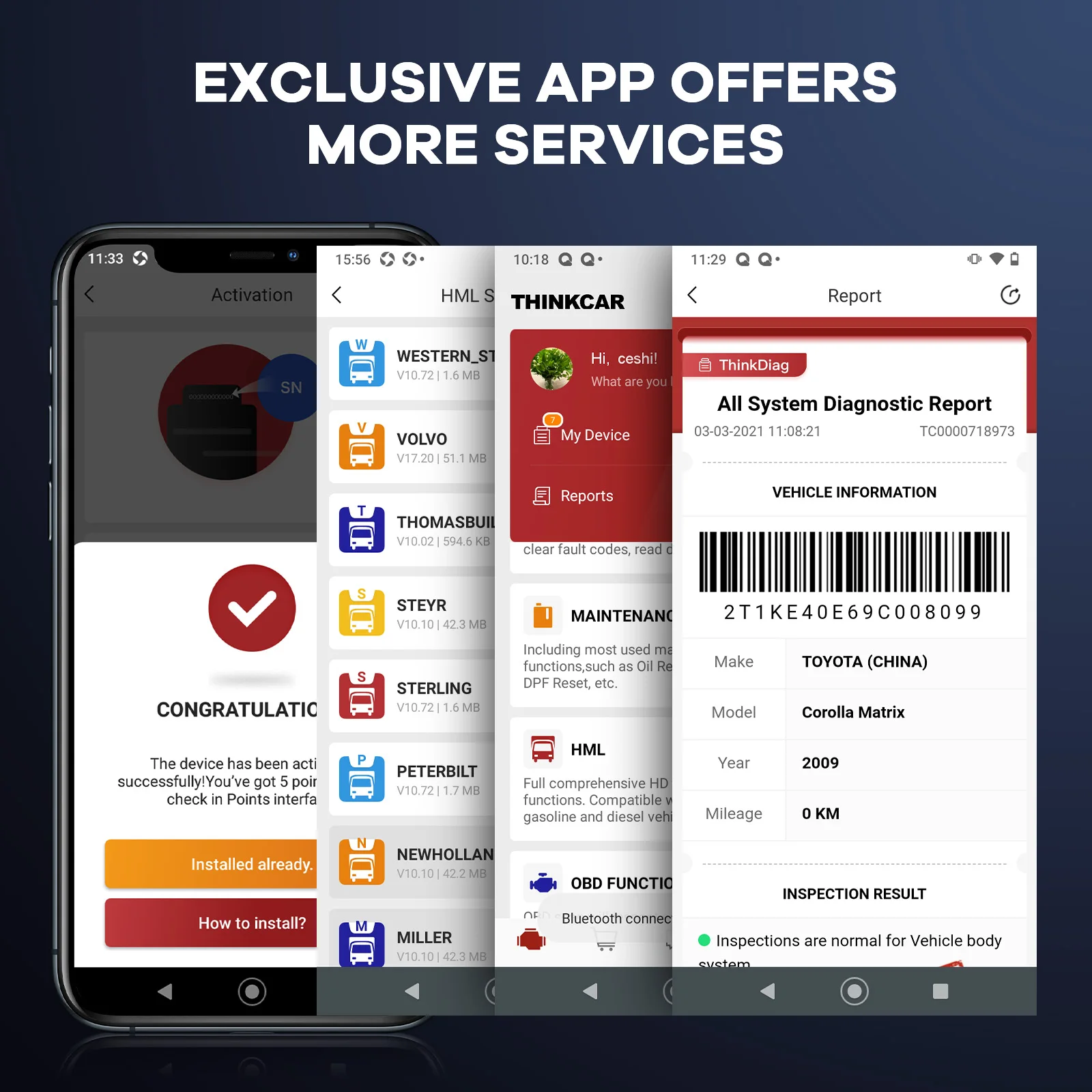
Exclusive THINKDIAG APP, Lifetime Free Use and Upgrade
Bluetooth Connection
Compatible with ios 9.0 or Android 5.0 and above
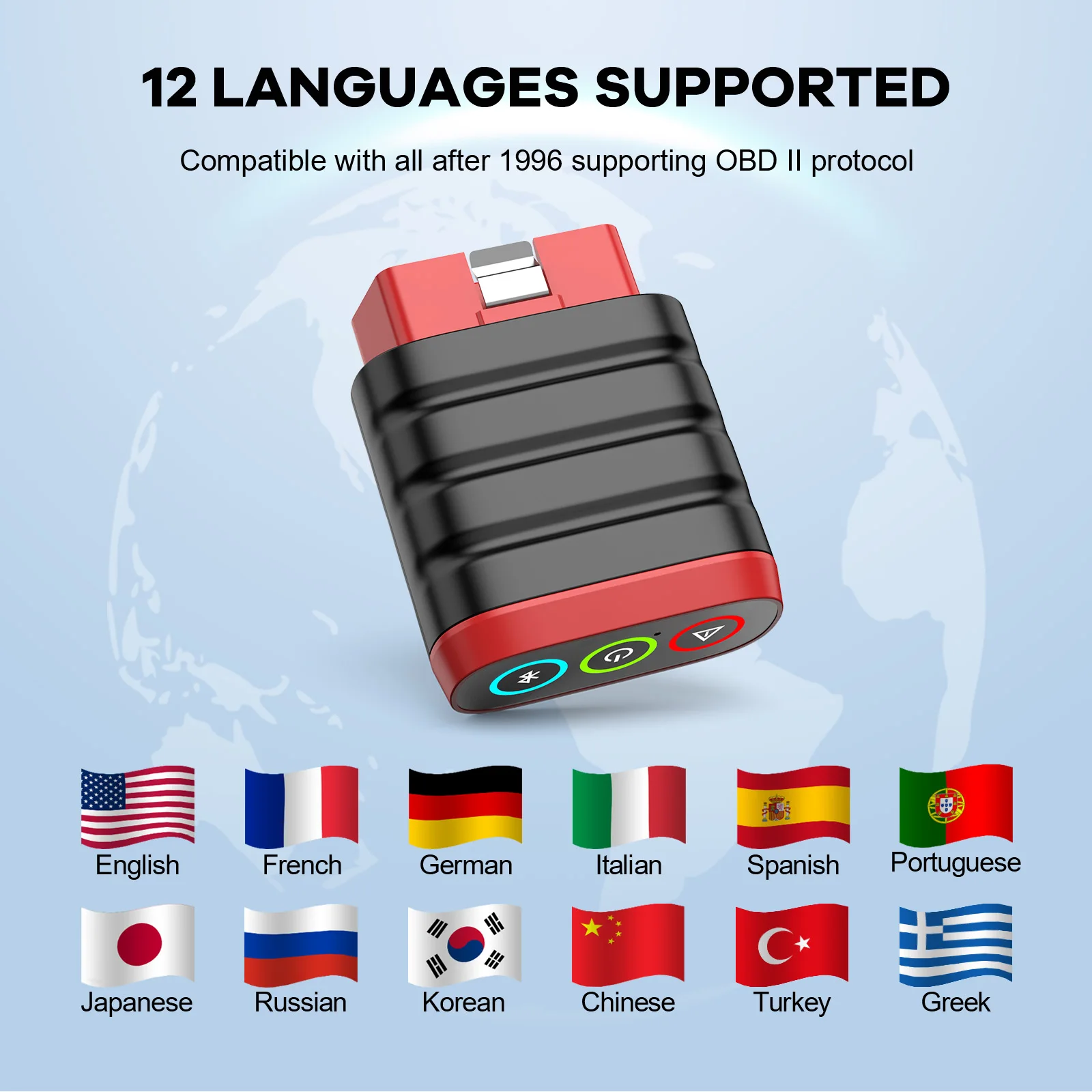
Support 12 Languages
English,French,German,Spanish,Italian,Portuguese,Japanese, Russian,Polish,Traditional Chinese, Turkish, Greek
How to Use the THINKDIAG mini?
Step1: Download the "ThinkDiag" in the APP store or in GooglePlay store.
Step2: Open the THINKDIAD APP, click on"Sign Up",verification code will be sent to the email you input, if you did not got, please check the spam.
Step3: Click on "Activate" to open the activation page, you need to input the serial number and an 8-diagit activation code is on the first page of the Quick Start Guide.
Step4: Plug THINKDIAG mini into the vehicle's OBDII port, there will be a red light which indicates the device is powered on.
Step5: Open the THINKDIAG APP, it will automatically search for activated devices, select your device and connect to it via Bluetooth in the APP. The indicator will turn to flashing blue.
Step6: In the "Diagnostics" interface of the App, you will need to download the corresponding diagnostics software when first apply"All System Diagnostic"and"OBD Functions".
Package:
1*BT200 OBD connector
1*Manual
Description of the tail light function display at the bottom of the product:
1. Green light on: It means the device is powered on.
2. The blue light is on: it means that the Bluetooth is connected.
3. Blinking blue light: indicates that the Bluetooth is communicating.
4. Red light on: It means that the product firmware needs to be updated and repaired.
Support Cover Up to Over 115 Major Vehicle Manufacturers From America, Europe and Asia
Read Live Data Stream
Show the information of continuous data stream from a vehicle in live graphic (waveform) display.
Support 11 Languages:
English, French, German, Spanish, Italian, Portuguese, Japanese, Russian, Polish,Traditional Chinese, Turkish.
Support Mobile Phone&Tablet Computer
Android:5.0
IOS:9.0
THINKDIAG Use in THINKDIAG+ APP. THINKDIAG MINI OBD2 Diagnostic Tool is suitable for Mobile phones, tablet computer that meet the above version information. When the adapter is connected to the car, you only need to detect and diagnose your vehicle through the mobile phone's Bluetooth 4.2 and APP. It is suitable for most DIY car owners and maintenance and repair car stores on the market.
